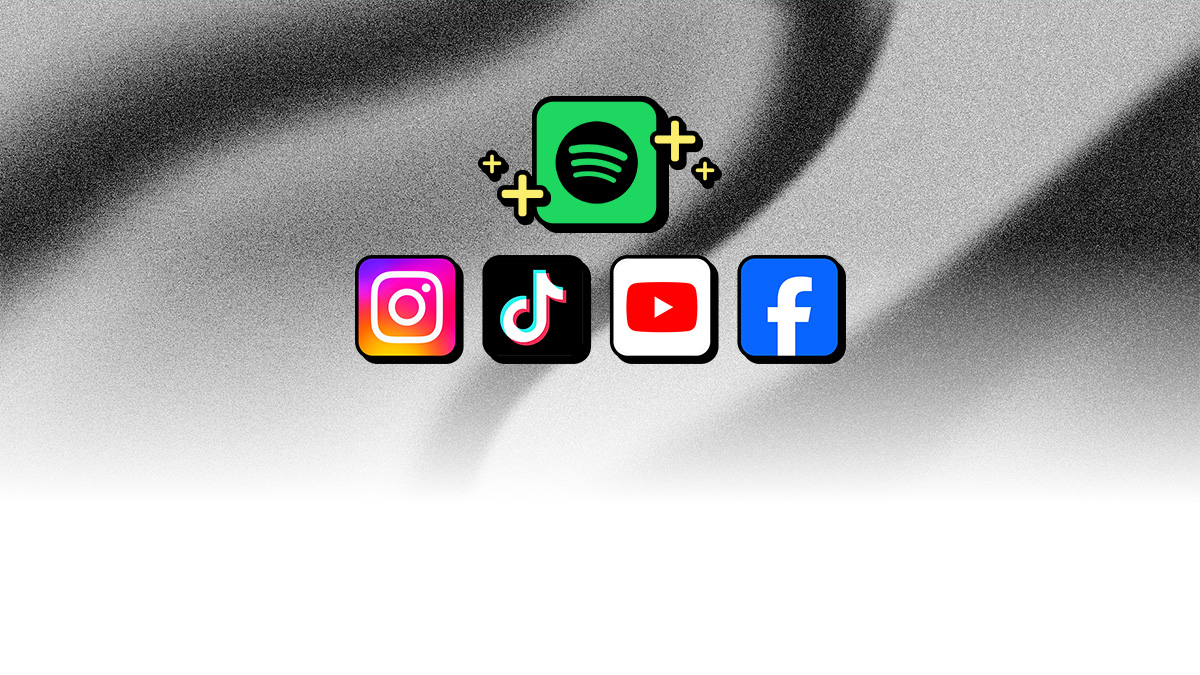
Good news: Spotify is now part of our Social Media Pack, joining TikTok, YouTube, Instagram, and Facebook.
If you’re thinking, “Doesn't my DistroKid membership already include those platforms?” Yep, you can distribute music to all of them. And you keep your earnings from every stream, including when someone picks your track from a platform’s audio library to use in their post.
But Social Media Pack covers something specific: music that’s already in a piece of content at the time it’s uploaded (instead of being added afterward in an app). Like a podcast recording that uses your song, an influencer post with your release as a backing track, or even a video that just happened to be recorded when your music was playing in the room.
Normally, you’d have to chase down each use, platform by platform, then file claims yourself.
Social Media Pack skips that. We work with partner platforms to track down all the content that uses your music, collect your earnings, and deposit them in your DistroKid bank. Just opt in your release and we’ll handle the rest.
What Social Media Pack covers
A bunch of platforms are included:
- YouTube's Content ID, Creator Music, and Shorts music libraries
- TikTok's music ID recognition service
- Instagram monetization with Meta Rights Manager
- Facebook's recognition service using Meta Rights Manager
- Spotify's technology for identifying music in podcasts (this is new!)
How to add Social Media Pack
It’s super easy to opt in existing and new DistroKid releases:
- New releases: Near the top of the upload form, click the checkbox under “Monetize your single/album on social media?". You can also add Social Media Pack at the bottom of the form under “Extras (optional but awesome)”.
- Existing releases: Log in to DistroKid and click the release you want to opt in. At the top of the “Add extras” list, check the box next to Social Media Pack. Click "Add selected features” at the bottom of the page.
Once you’ve opted in, we’ve got the rest. Enjoy!
.png)
.png)